1.Log into  whop.com or use the Whop app
Use the same email you used when signing up for Deal Soldier. If a different email is used, your Deal Soldier membership will not show up.
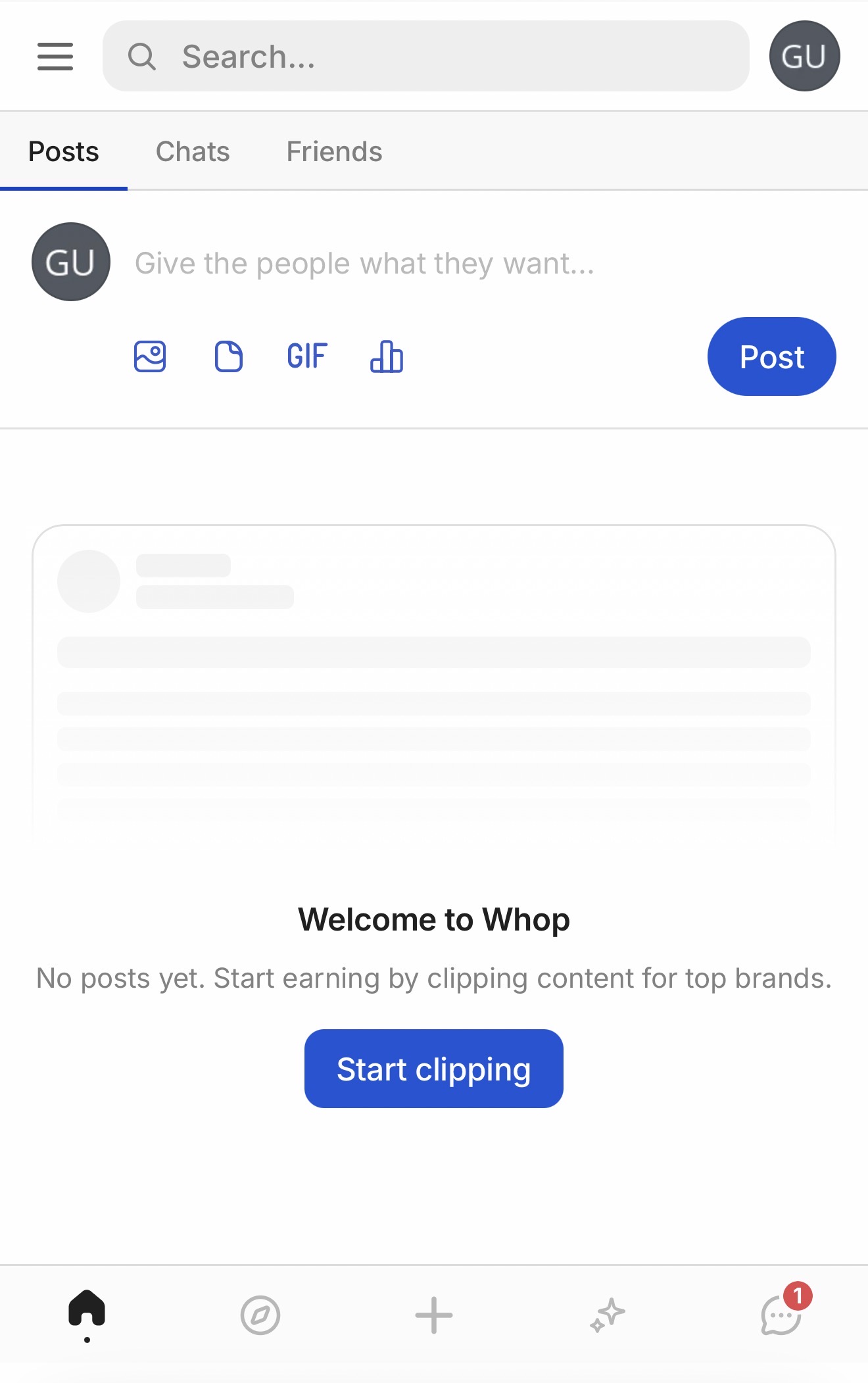
Your screen may look slightly different. That's fine.
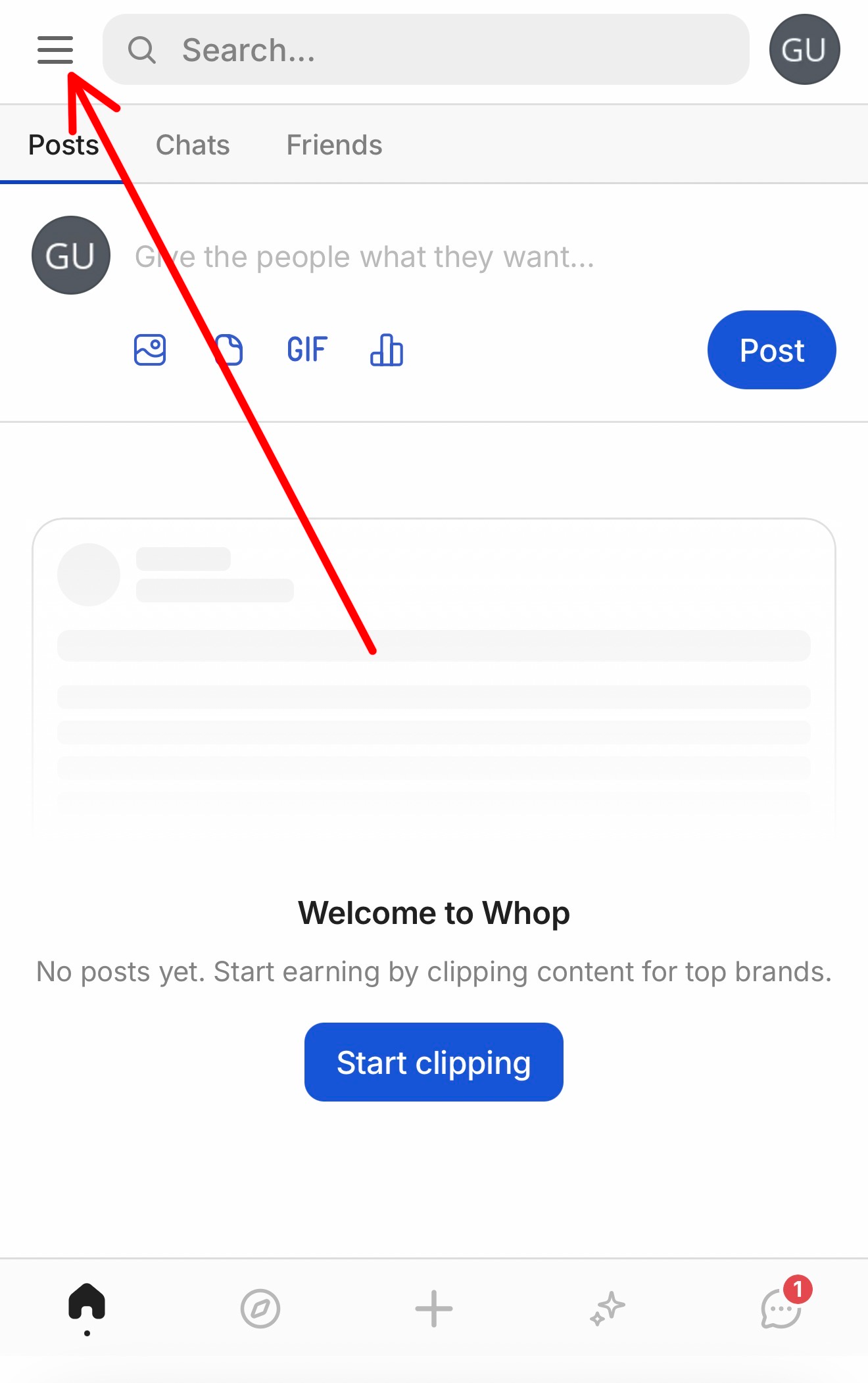
2.Click the 3 lines in the top left hand corner
As shown in the image below.
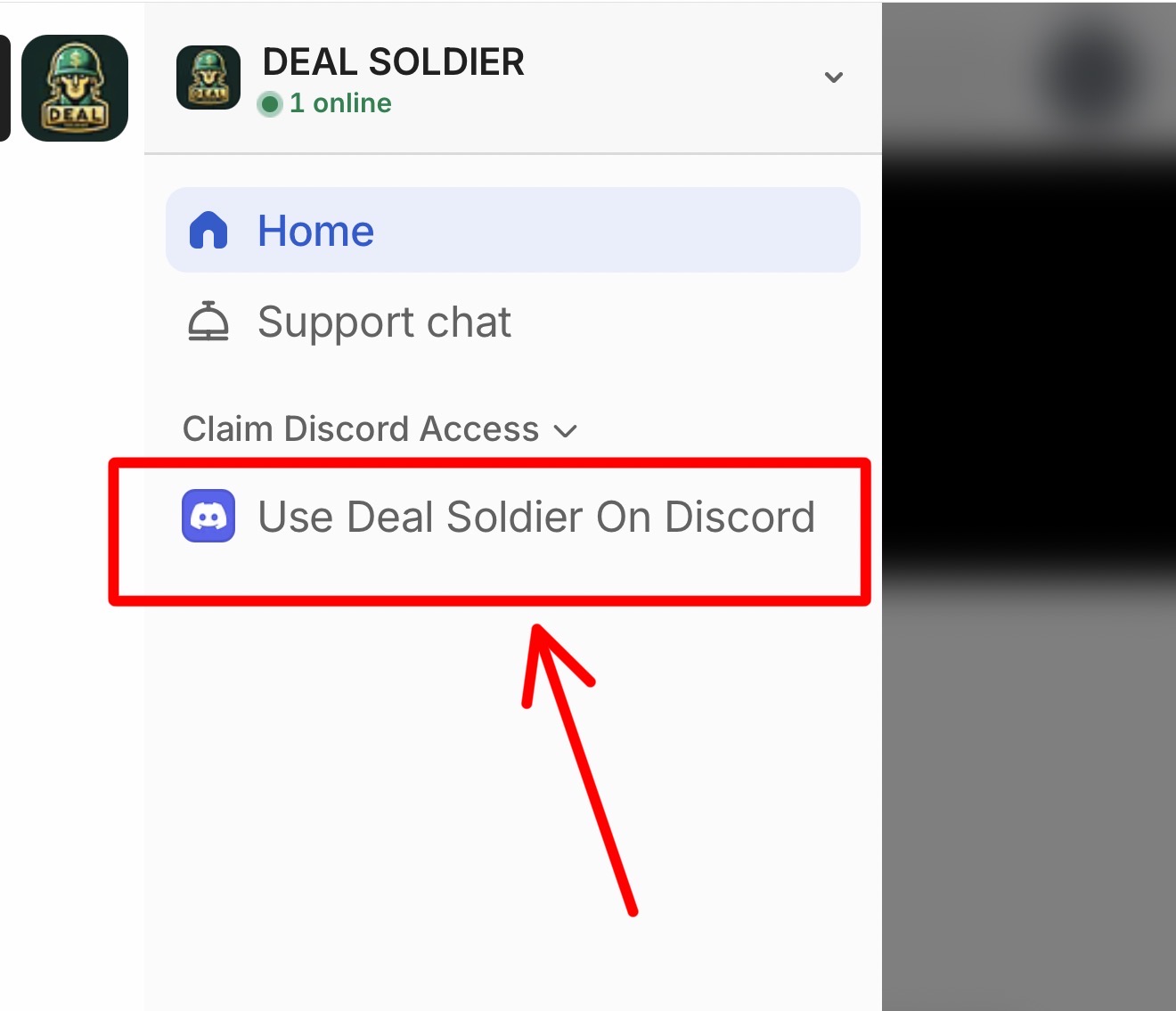
3.Make sure Deal Soldier is selected
The Deal Soldier logo is shown in the image below.
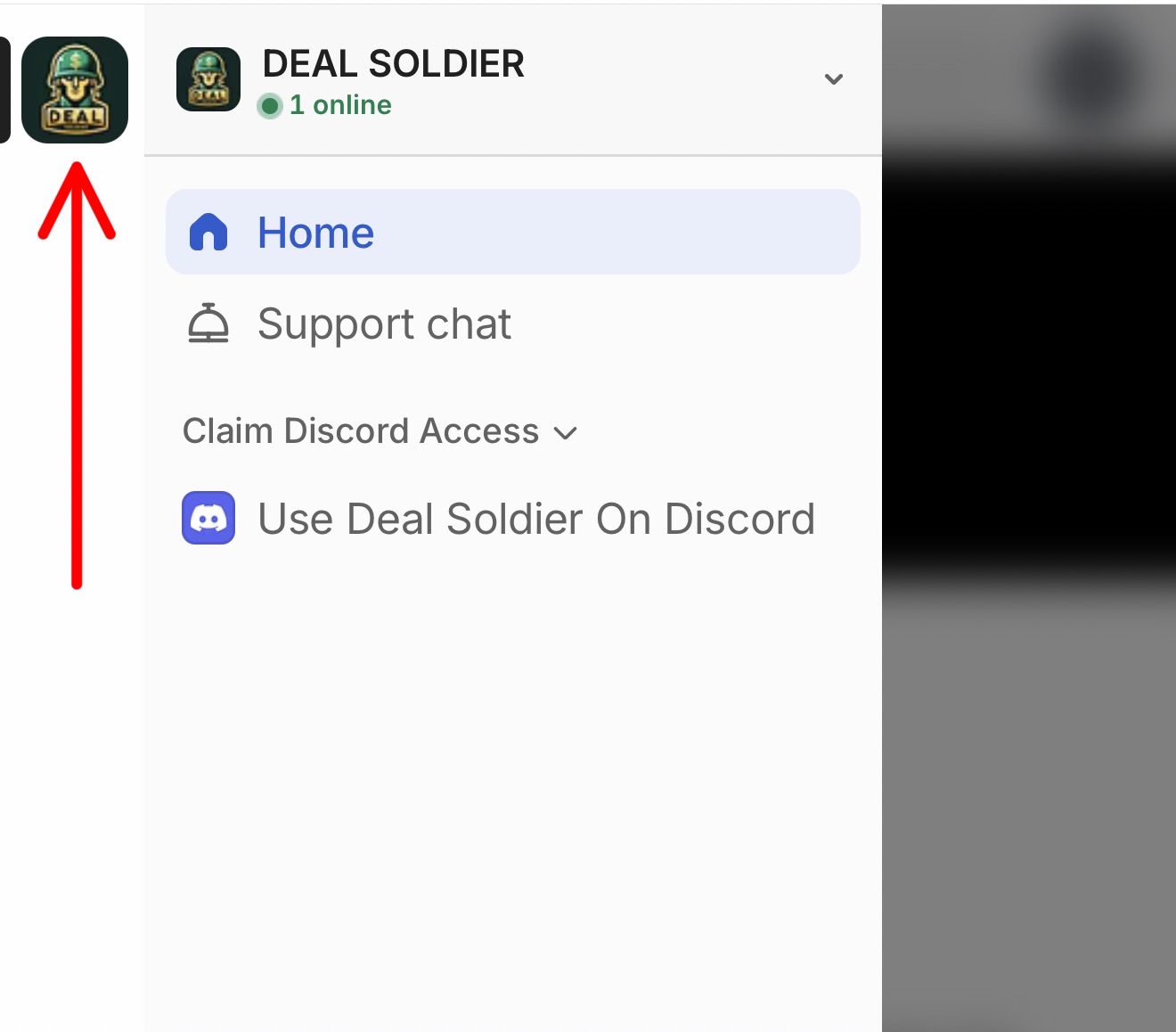
4.Click "Use Deal Soldier on Discord"
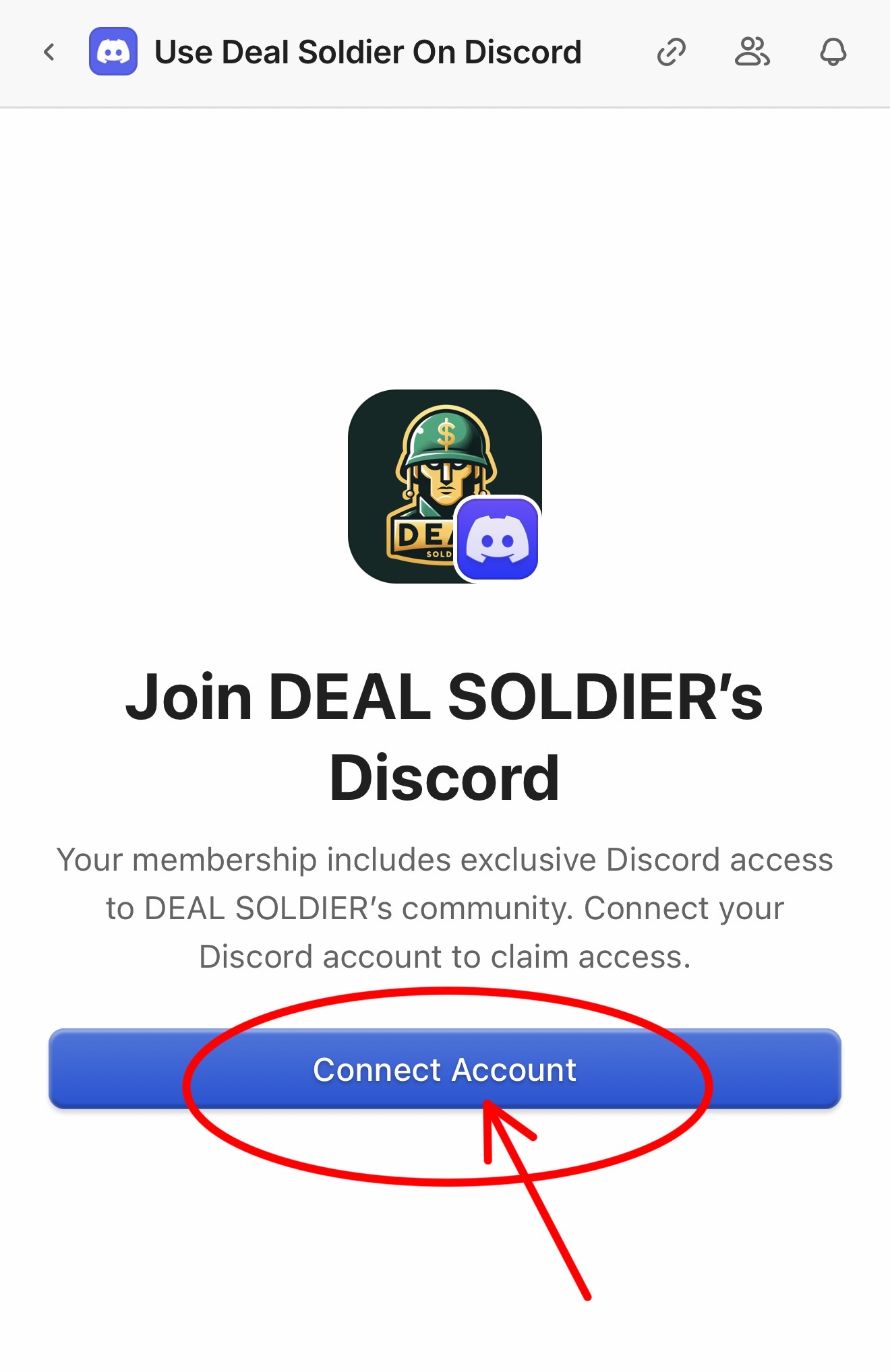
5.Click "Connect Account"
This will open Discord.
Follow the prompts to sign in or create your account.
If you see an email from Discord, click the link to confirm.
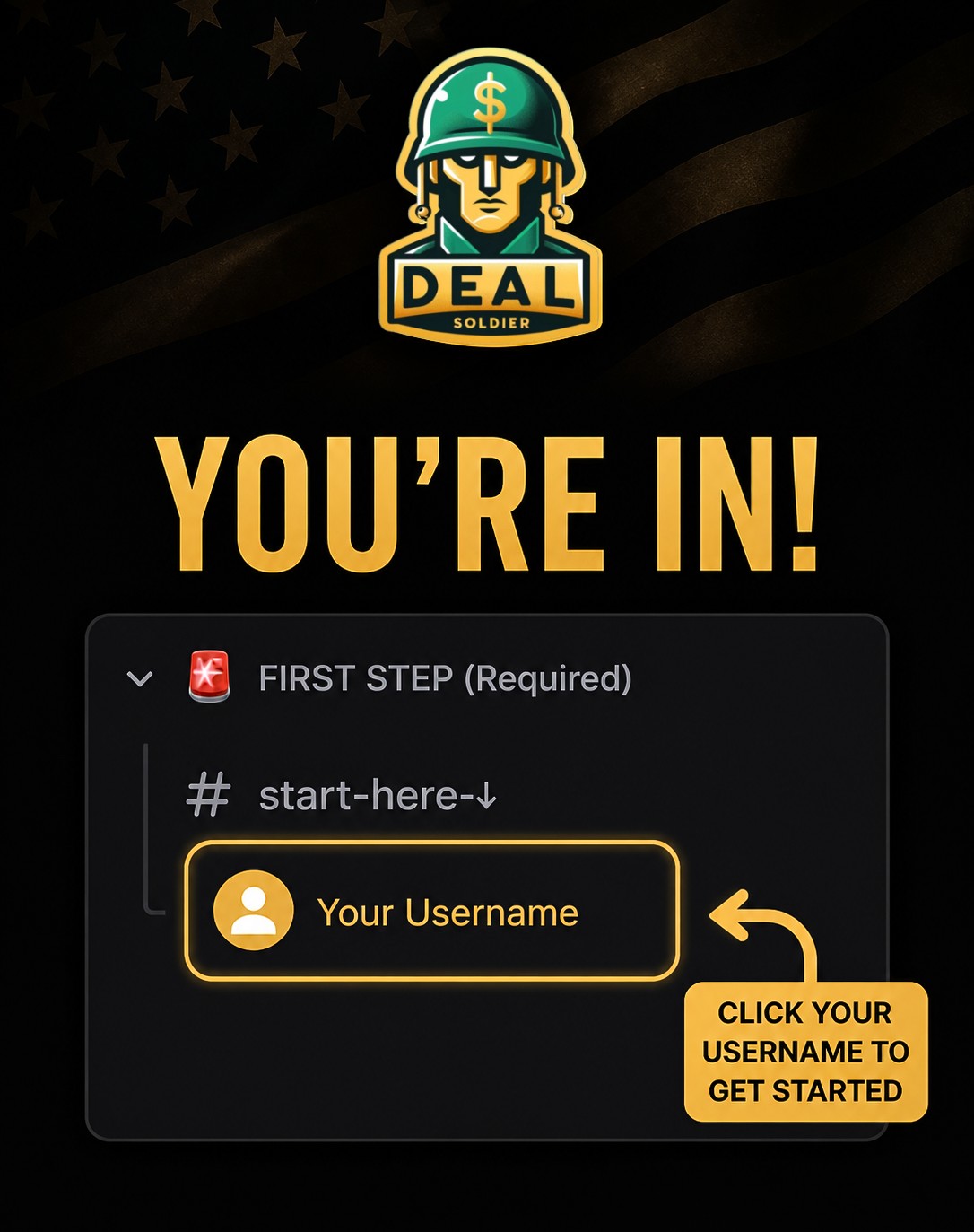
6.You did it!
You're now inside our Discord where all the deals are posted.
At the top, click your name under start-here-↓
You'll see a message from our team.
Type your ZIP code and click send.
Welcome to the squad.

Founder, Deal Soldier
Still stuck?
Send us a message inside Whop:
- Open the menu in the top left corner
- Click the Deal Soldier logo
- Click Support Chat (the bell)
We're happy to help.